QuickBooks Online and Bank of America
| What you need to Know!
I Got Married and have changed my last name to Fischer. Please update your record to show Judy Fischer. |
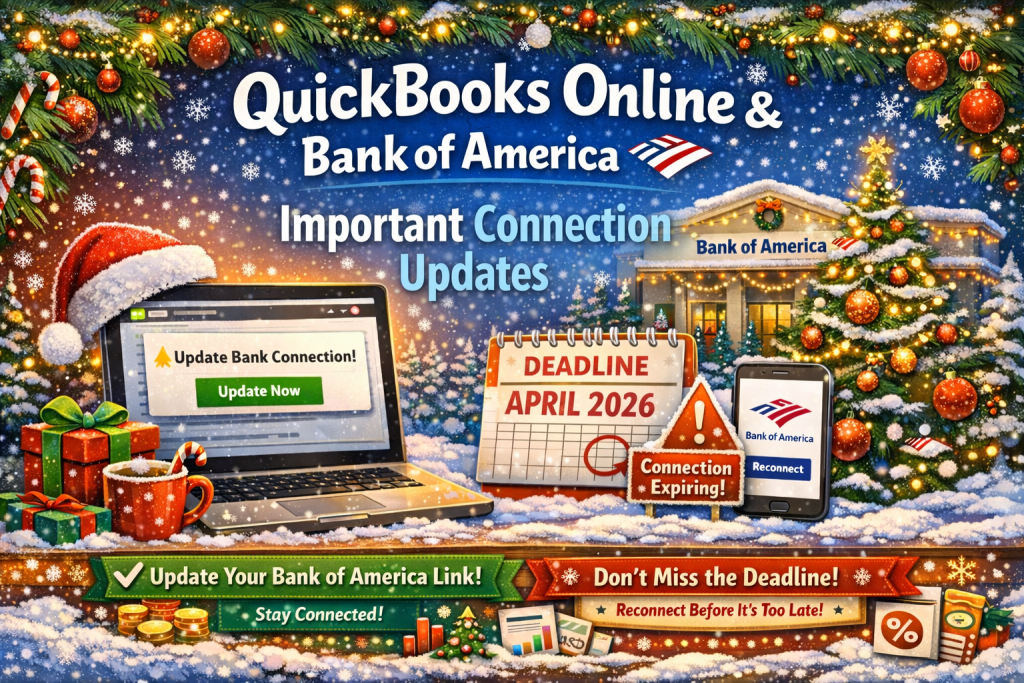
| Bank of America is updating bank account connections in QuickBooks Online. All current clients with an active Bank of America connection must update their connection in QuickBooks to stay connected. Otherwise, their Bank of America connection will be disconnected. We’re reminding you about this change so you have time to help ensure your clients are aware of the new connection. |
What’s happening?
Starting early October, 2025, through early January, 2026, Bank of America accounts are switching to a new connection in stages. Your clients were or will be notified directly when they become eligible to switch to the new connection. The existing connection will still work during a grace period after they become eligible to set up the new connection. After this grace period is over, the existing connection will be turned off and won’t work with QuickBooks anymore. Clients will need to reconnect their bank account as described below to restore the connection.Existing connections will start disconnecting in late February, 2026 and will disconnect for everyone by early April, 2026.New or existing QuickBooks Online customers who connect their Bank of America account on or after October 1, 2025, were automatically set up with the new connection.
What if clients don’t update their Bank of America connection in QuickBooks?
If clients don’t update their connection within the grace period of being notified that they are eligible for the new connection (typically 90 days), they will lose access to critical features including automated bank feeds, cash flow insights, and lending options.
What do clients need to do?
Clients should update their Bank of America connection right away when they see an alert in QuickBooks. We’ll also send reminder emails about this change during the grace period and when it expires. |
|
| To update their bank connection, clients must take the following steps: |
|
| 1. |
Sign in to QuickBooks Online |
|
| 2. |
Select Accounting on the left |
|
| 3. |
Select Bank transactions |
|
| 4. |
Choose their Bank of America account |
|
| 5. |
Click Update now and follow the prompts
If you have any questions or need additional assistance, please call me 702-372-0027
– Judy Fischer CB |
|
